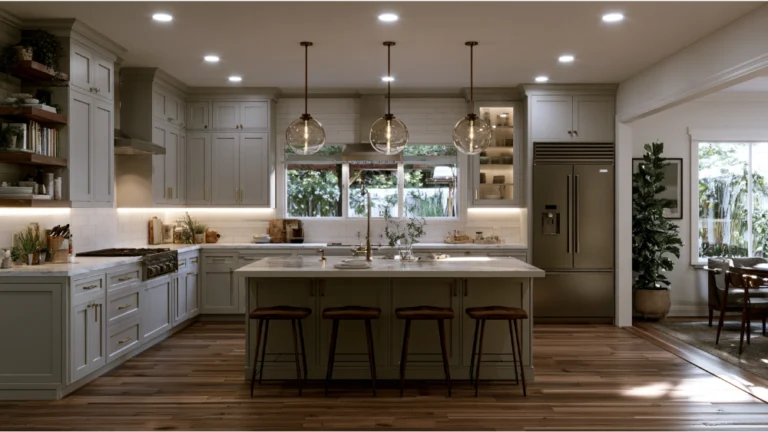
Key Takeaway
A free kitchen remodel design tool lets you draw an accurate floor plan, test layouts like galley, L-shape, or island configurations, and preview materials in 3D before spending a dollar. Tools like Planner 5D and RoomSketcher offer free tiers for this. No consumer software verifies structure, utilities, or permit compliance, so treat every output as a planning concept, not a construction-ready drawing.
A free kitchen remodel design tool lets you draw your space in 2D using accurate measurements, test cabinet and appliance layouts, and preview flooring, countertops, and other materials in 3D before you spend anything. What it produces is a planning concept, not a construction plan. Dimensions are only as accurate as what you type in, and no kitchen design software checks structure, utilities, or code. To shape your vision of a dream kitchen before estimates and material orders start, that is the right tool.
What can a free kitchen design tool actually do?
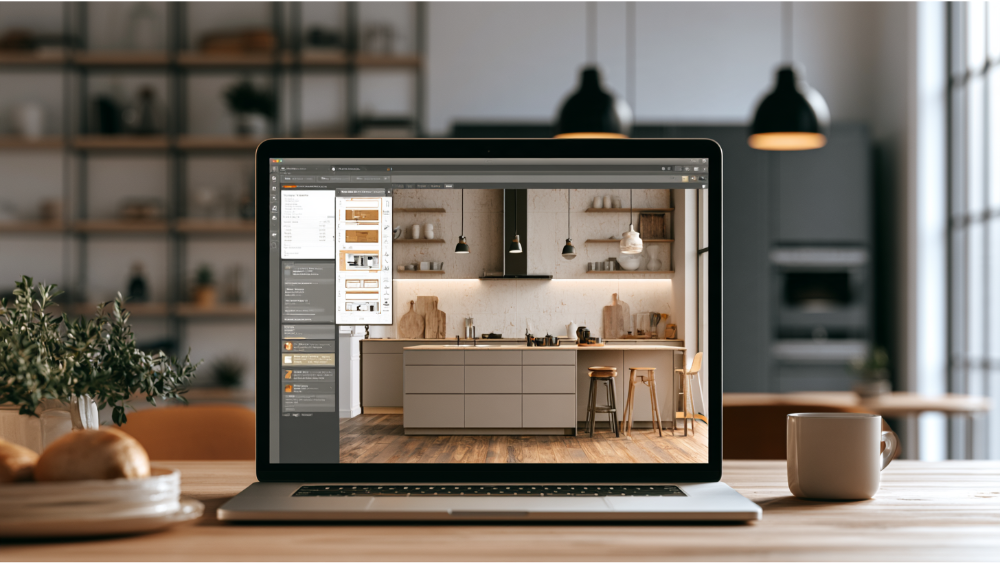
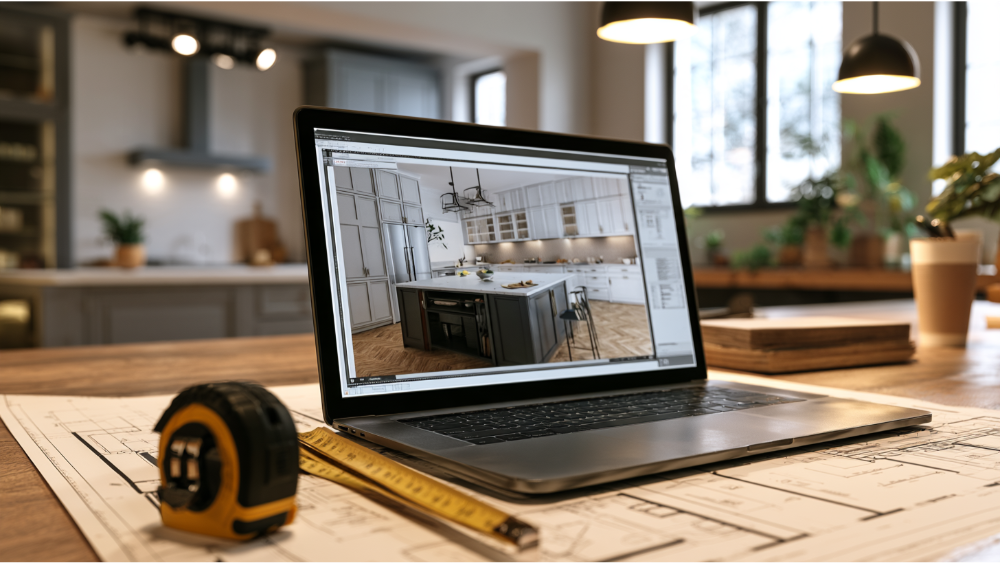
Three things, and it does them well. It lets you draw a measured kitchen floor plan instead of sketching on a napkin. It lets you test different layouts side by side: one wall, galley, L shape, a U shape wrapping three walls, an island plan, or the open concept layouts common in newer homes. And it previews cabinets, flooring, and countertop materials in 3D, which cuts the decision fatigue of staring at samples with no context.
A good design tool also stores ideas. You can save several cabinet configurations of the same kitchen and compare them at the table instead of on demo day. What it will not do is verify measurements in the field, confirm appliance rough-in requirements, or tell you whether the plan passes code review. That comes later, with a team standing in your kitchen.
Which type of kitchen design software fits your goal?
Pick the design tool that matches the job, not the one with the prettiest renders.
Measured 2D and 3D kitchen planners
Planner 5D, RoomSketcher, and Create-A-Kitchen let you enter exact wall dimensions, place doors and windows, then flip between a 2D plan view and a 3D walkthrough. This is the right category if you are seriously testing layout. Free tiers limit catalog objects, furniture, and export quality.
Retailer cabinet-system configurators
The IKEA Kitchen Planner runs in a browser with no download and is built around that retailer’s cabinet system. You can see how modular boxes in multiple widths fit your walls and where filler panels land. Less useful for custom cabinets, since the geometry is tied to one product line.
AI photo visualizers
Upload a photo and get restyled versions back. These are inspiration engines for finishes, wall colors, and furniture ideas. They do not hold real dimensions, so treat the output as a mood board rather than a layout you can measure against.
General-purpose 3D modelers
SketchUp’s free version runs in a browser, handles custom geometry well, and includes premade 3D models of cabinets and appliances. Expect a steeper learning curve than a dedicated kitchen planner unless you already have some design experience, and note the free tier is not licensed for commercial use.
| Tool type | Best for | Main limitation |
|---|---|---|
| Measured 2D/3D kitchen planner | Testing real kitchen layouts | Catalog and export limits on free tiers |
| Cabinet configurator | Fitting modular cabinets | Locked to one product system |
| AI photo visualizer | Style direction and ideas | No exact measurements |
| 3D modeler | Custom shapes and details | Learning curve |
Is a kitchen remodel design tool free all the way through?
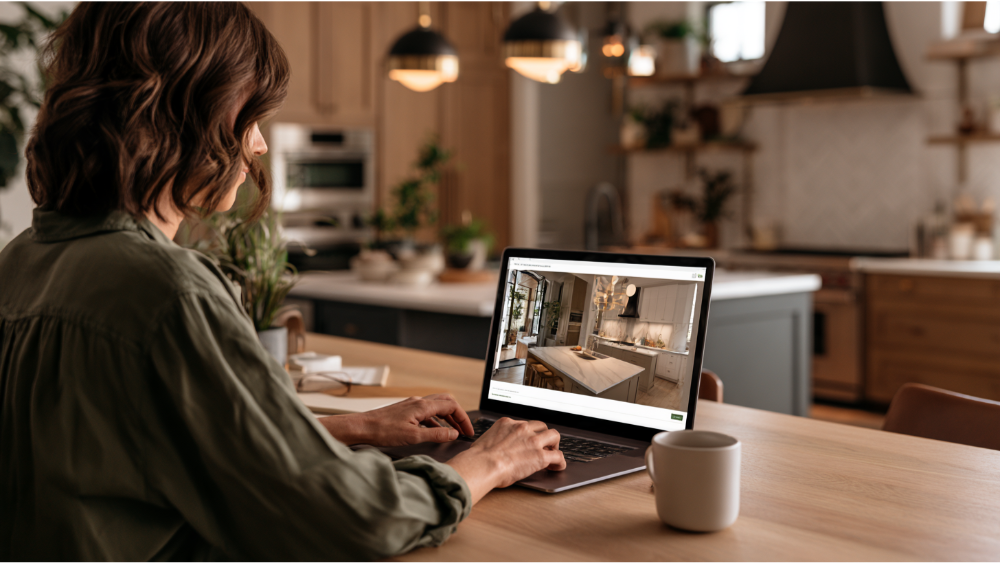
“Free” means at least five different things in kitchen design software, so read the terms before you invest hours:
- Free forever or open source. No subscription, sometimes an older interface or a smaller cabinet library.
- Freemium. The basic plan is free, but additional features like the full object library and high-resolution renders sit behind a paid tier.
- Limited-project subscriptions. One major floor-plan platform currently allows about two projects, thousands of items, and low-resolution 3D snapshots free.
- Free browser tiers with storage. One modeler includes 10 GB of cloud storage free, with no commercial use and no support.
- Trials marketed as free. At least one prominently ranking “free” kitchen tool is a 14-day trial.
Free-plan limits, export permissions, and trial lengths change often. Check the current terms, and confirm you can print or share your work, before you start designing in earnest.
Which features matter most in a virtual kitchen planner?
- Accurate measurements to the inch, not drag-and-guess walls
- Editable cabinets and appliance dimensions
- Door, window, and opening placement with swing direction
- One-click switching between the 2D plan and the 3D view
- Clearance and door-swing awareness
- Multiple saved versions you can duplicate and compare
- A brand-neutral catalog of cabinets, appliances, and furniture, or a clear note that the catalog is product-specific
Experiment with cabinet door styles, hardware, flooring, and countertops. That is the enjoyable part of kitchen design. Precision in the plan still matters more than the quality of the render.
What accurate measurements do you need before you open the design tool?
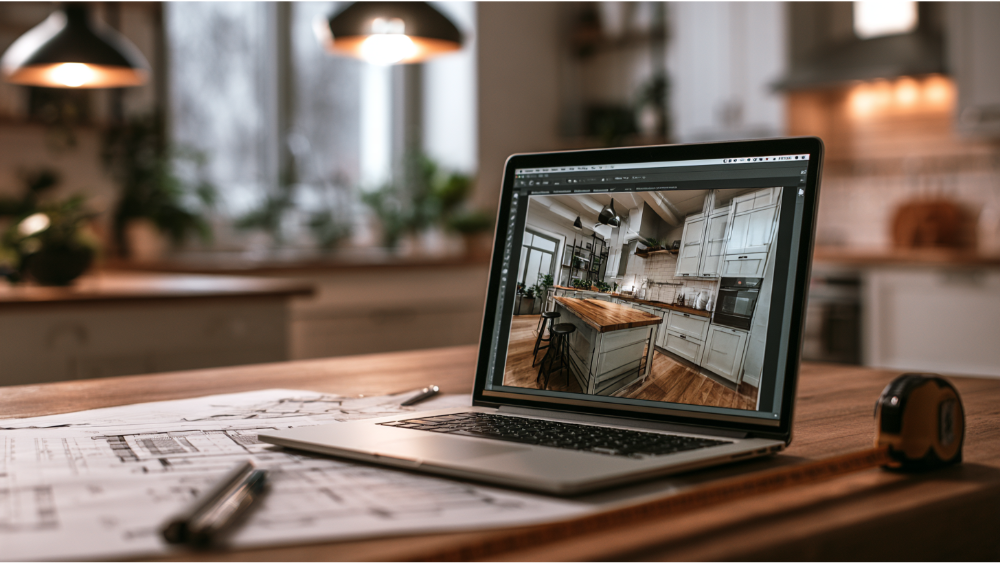
Measure first. A floor plan built on guessed dimensions produces a kitchen design that cannot be built as drawn. Record:
- Finished wall-to-wall lengths for every wall, taken at counter height
- Ceiling height, and note if it varies, especially if you want tall cabinets
- Door and window sizes including trim, swing direction, plus any openings, pass-throughs, and cased entries
- Plumbing supply and drain, gas, electrical panels and outlets, and the range vent path
- Existing appliance sizes, and model numbers of any replacements you have in mind
- Obstructions: soffits, columns, ductwork, radiators, and walls out of square
Here is what most tools quietly ignore. Trim, countertop overhangs, and handle projection all steal clearance you thought you had. An inch of cabinet pull turns a comfortable aisle into an annoying one. Sacramento County’s simple kitchen and bath remodel checklist asks for many of these details, so collecting them now saves work later.
How to create the floor plan for your dream kitchen step by step
- Draw the space from your measurements, or start from a template close to your footprint.
- Add the fixed conditions: doors, windows, utility locations, and anything you cannot move.
- Fix sink and appliance placement first, since plumbing and venting anchor the whole kitchen layout.
- Arrange cabinets and storage around those anchors, keeping everyday items near where you use them.
- Walk the traffic paths in 3D and look for pinch points near the entry.
- Only now choose flooring, countertops, backsplash, cabinet door styles, hardware, and lighting.
- Save two or three versions so you can compare different layouts honestly instead of defending the first one.
Layout before finishes. Cabinet placement follows the work path, not the render.
How do you test whether your kitchen layout actually works?
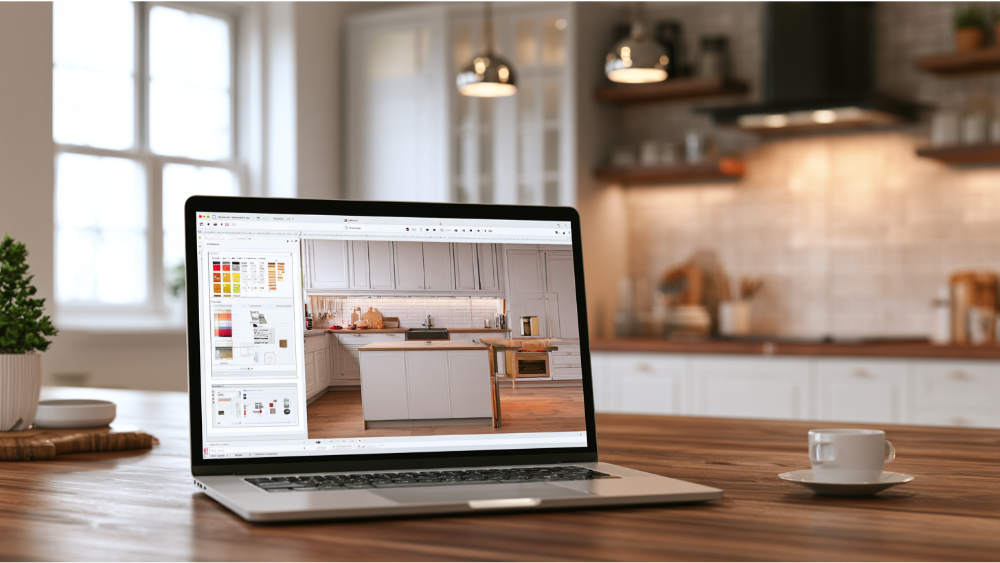
Most free design tools will happily let you create a kitchen you would hate using. The figures below are long-standing NKBA planning recommendations, not building code. Confirm them against current guidance, your appliance instructions, and your local building department.
Walkways vs. work aisles
NKBA guidance has long suggested roughly 36 inches for a general walkway, 42 inches for a one-cook work aisle, and 48 inches where two people cook together. Count how many family members use the room at once before settling on a width, and measure aisles from finished cabinet face to finished cabinet face.
Work triangle vs. work zones
The classic triangle connects the sink, the stove, and the refrigerator, with each leg historically between 4 and 9 feet and the total under about 26 feet. Many kitchens plan better by zones: prep, cooking, cleanup, and storage, each with its own landing space.
Door swings, drawer collisions, and island clearance
Open every door in your head. Oven doors, refrigerator doors, dishwashers, and trash pull-outs collide with each other and with kitchen island seating more often than renders suggest. Check that a seated person does not block the only path through the room.
What a free kitchen design tool cannot confirm
- Whether a wall is load-bearing
- Electrical capacity and existing circuit loads
- Plumbing and gas routing behind finishes
- A workable ventilation path to the exterior
- Exact appliance rough-in and clearance requirements
- Permit compliance and structural feasibility
- Final quantities for cabinets, flooring, and countertops
- Lead-based paint in homes built before 1978. The EPA’s minor-repair exception generally covers no more than 6 square feet of disturbed interior paint per room, and demolition falls outside it.
This is where a detail-driven team takes your concept, verifies it in the field, and turns it into something buildable.
Sacramento and California reality check
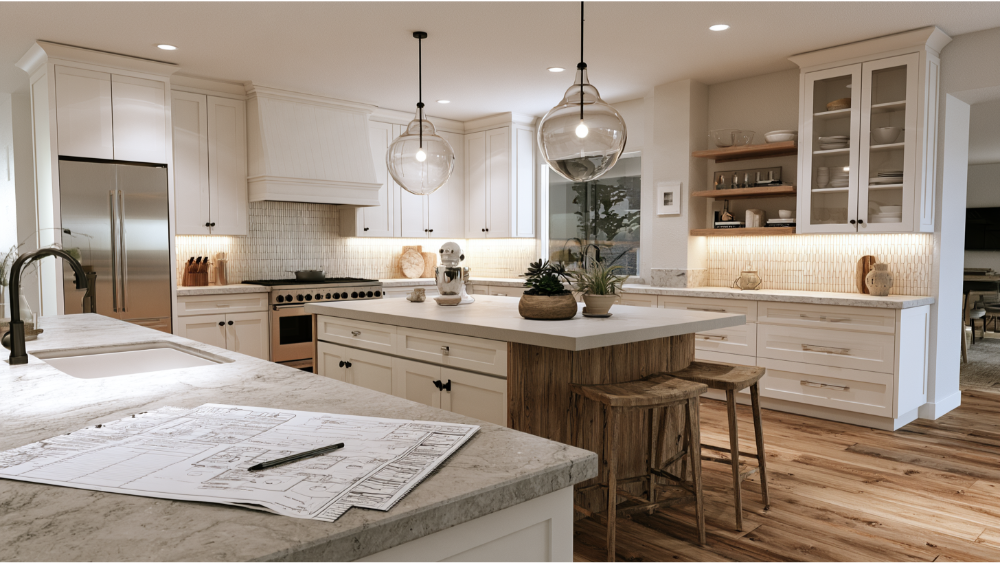
The 2025 California Building Standards Code took effect January 1, 2026 and runs through December 31, 2028, so applications filed now must meet the 2025 California Energy Code where it applies. Sacramento County lists kitchen remodels among projects that typically require permits, and its simple-remodel checklist asks for a floor plan with dimensions, ceiling heights, appliance and mechanical locations, openings, utilities, and finishes.
City of Sacramento and unincorporated Sacramento County are not interchangeable. The City’s non-structural kitchen category excludes wall removal and enlarging openings in load-bearing walls, and Folsom, Roseville, El Dorado Hills, and Lincoln each have their own forms and review.
What to bring to your kitchen remodeling consultation
- A complete set of your saved 2D plans and 3D views, including the versions you rejected
- Your measurements and photos of the existing space
- Specification sheets for appliances you intend to keep or buy
- A ranked list: must-haves on one side, flexible items on the other
- Finish and material ideas, even if they are just screenshots
- Your questions about schedule, communication, and scope
Your free plan is a communication tool. Bring it to a free consultation and it tells us what you are picturing, so we can design something tailored to your space, price it honestly, and give you a timeline we intend to keep.
Frequently Asked Questions
Is there an app that lets me design my kitchen for free?
Yes. Browser and mobile planners such as Planner 5D and RoomSketcher offer free tiers where you can draw a measured kitchen and view it in 3D. Object libraries and exports are usually limited on the free version.
Can I take a picture of my kitchen and redesign it for free?
Some tools restyle an uploaded photo. Use them for style direction only, since photo restyling does not hold real dimensions.
Is there a free AI tool that can redesign my kitchen?
Free AI tools exist, though rendering credits often sit in paid tiers. They help you narrow finishes and cabinet colors, and they are unreliable for anything measured.
Can I add cabinets at custom sizes in a free kitchen planner?
Sometimes. Many planners let you edit the width, depth, and height of base units within limits, while retailer configurators hold you to stock sizes. If your dream kitchen depends on custom cabinetry, set the layout in the tool and leave final dimensions to shop drawings.
Do I still need interior designers if I use a free design tool?
A free tool covers the basics. Expert designers earn their keep on the harder calls: sightlines, proportion, lighting layers, and how materials behave in real light.
Can a free kitchen planner create construction-ready drawings?
No. Free tiers typically restrict high-resolution plans and technical exports, and no consumer tool performs field verification or code review. A permit set needs measurable-scale plans prepared from verified conditions.
Turn your kitchen design into a kitchen built to last
Bring us your saved layouts. We will review them, field-verify what software cannot see, and tell you honestly what it takes to build your new kitchen. Request Your Free Estimate or call (916) 205-5112. Our team is ready to bring your vision to life in Sacramento, Folsom, Roseville, El Dorado Hills, Lincoln, and nearby communities.